How to Connect Payme, Click, and Uzum to Your Online Store
A step-by-step guide to integrating Payme, Click, and Uzum into your online store: required documents, storefront moderation, acquiring fees, and mandatory fiscal receipt setup.
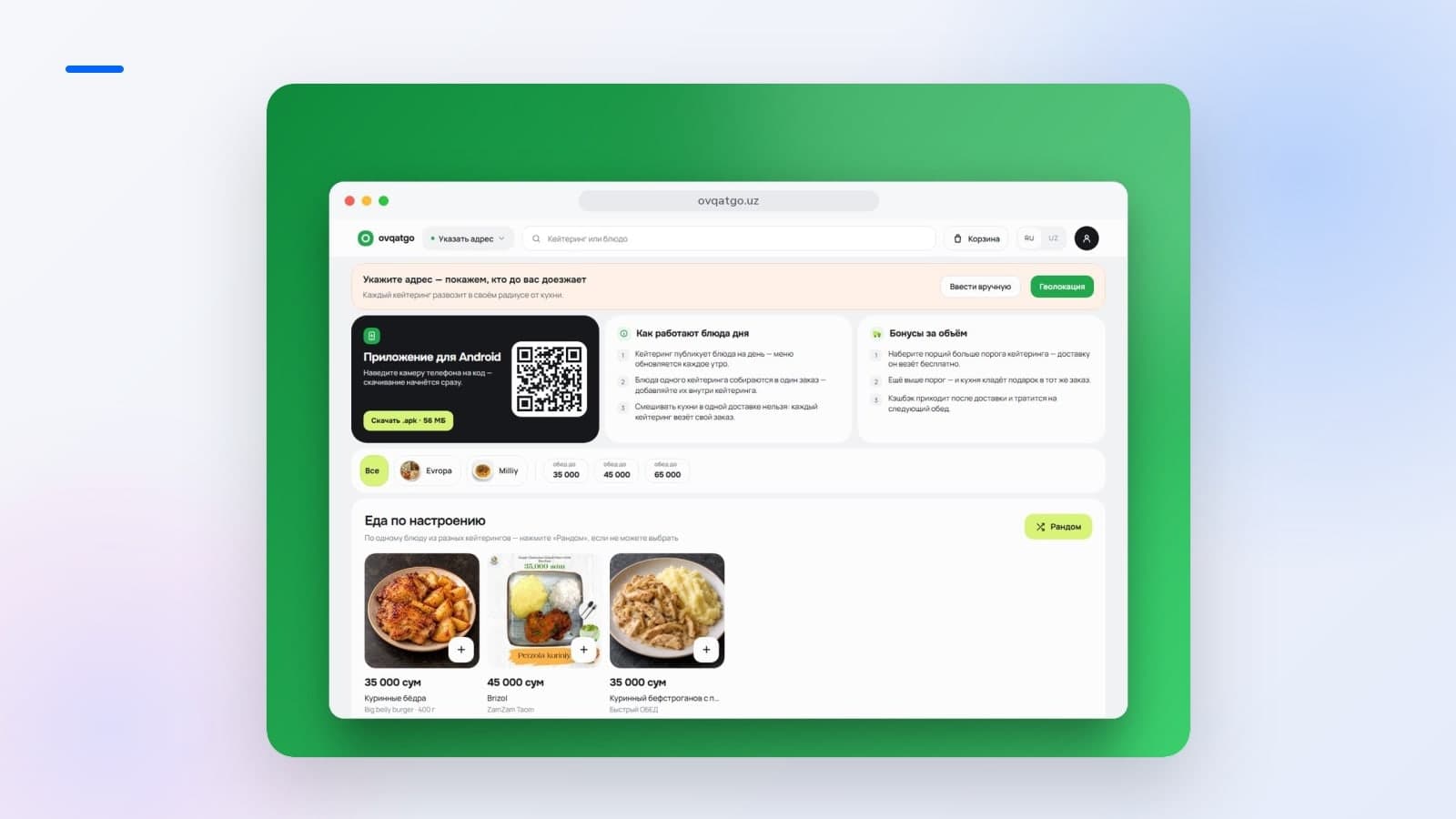
To accept payments via Payme, Click, and Uzum on a website in Uzbekistan, a business needs a commercial bank account for a legal entity or individual entrepreneur (IE), a properly configured storefront with legal terms, and an integrated virtual cash register. Online acquiring fees range from 0% to 2.5% per successful transaction on average, and the entire rollout from initial application to test transaction takes 2 to 3 weeks.
Key Takeaways
- The full merchant onboarding cycle takes 2 to 3 weeks, so it is essential to start preparations well ahead of peak sales seasons.
- Acquiring fees for Uzcard and Humo cards are 1.5–2.5% with Payme and Click, while Uzum Bank Partners charges 0% on proprietary cards and from 0.4% on cards from other banks.
- Revenue from online sales is deposited into the company’s bank account within 1–3 business banking days, minus processing fees.
- Under Cabinet of Ministers Resolution No. 943, every transaction must be fiscalized with a 17-digit IKPU code and a 12% VAT rate; failing to comply risks fines ranging from 5 to 20 BRV.
What to Prepare on Your Website Before Applying
Payment providers will not approve websites that are still "under construction." Before the payment aggregator's security team approves an application, the storefront must comply with e-commerce regulations. In our experience, missing legal pages are the primary reason launches get delayed by an extra week.
To pass moderation successfully, a storefront must include the mandatory technical and legal attributes inspected by the security team at click.uz:
- Secure connection. The website must run exclusively over HTTPS with a valid SSL certificate.
- Merchant details. The exact name of the legal entity or individual entrepreneur, Tax ID (INN), registered and physical addresses, business phone number, and contact email in the footer or contact section.
- Public offer and privacy policy. Terms of purchase, personal data processing consent, and delivery terms.
- Return and refund policy. A clearly documented process for issuing refunds and exchanges for both defective and non-defective goods (at least 10 days in accordance with consumer protection law).
- A populated product catalog. Genuine product pages with descriptions, specifications, and up-to-date prices strictly listed in the national currency — UZS (so'm).
If you are commissioning development, it is best to incorporate these requirements directly into the technical specification: when we build online stores, legal pages and catalog architecture are structured to meet acquirer requirements before layout work even begins.
Payment Provider Fees and Conditions
In Uzbekistan, customers primarily pay using Uzcard and Humo cards. You can connect acquiring directly through each gateway or via unified aggregators. Conditions vary by commission rates and the provider's built-in ecosystem audience.
| Payment Service | Processing Fee | Settlement Time | Best For |
|---|---|---|---|
| Click Merchant | 1.5–2.5% (Uzcard / Humo) | 1–3 business banking days | Broad audience, payments via QR scanning and Click SuperApp |
| Payme Business | 1.5–2.5% (Uzcard / Humo) | 1–3 business banking days | Standard retail e-commerce, familiar checkout flow for most buyers |
| Uzum Bank Partners | 0% (Uzum cards), from 0.4% (other banks) | 1–3 business banking days | Merchants with an active Uzum ecosystem audience looking to cut payment processing costs |
According to uzumbank.uz, the 0% commission on proprietary Uzum cards makes this provider particularly appealing for retailers with high average order values. Meanwhile, services highlighted on spot.uz like Payme Business provide superior checkout conversion thanks to their multi-million user base accustomed to paying in one click.
Keep in mind that revenue from online purchases does not hit your account instantly. Interbank transfers take 1 to 3 business banking days minus payment gateway fees, as reported in financial reviews by gazeta.uz. This timeline must be factored into your cash flow planning.
Step-by-Step Plan: From Application to First Transaction
According to payment integrator samsa.agency, the full onboarding journey—from online verification to deploying the API to production—takes 2 to 3 weeks. To launch in time for peak sales periods, the process is divided into four stages.
- Merchant portal registration. The business owner submits an application via the merchant dashboard (Payme Business, Click Merchant, or Uzum Bank). You will need the state registration certificate (Guvohnoma), Tax ID (INN), bank account details, and a copy of the director's passport.
- Storefront moderation. The gateway’s review team evaluates the website: checking cart functionality, public offer availability, contact information, and prices in UZS (so'm). If the site contains placeholder text ("lorem ipsum") or broken checkout steps, approval will be rejected.
- API integration. Developers link the website CMS with the payment system’s servers. At this stage, secure endpoints are created to transmit order data and receive webhooks for successful payments. In our projects, setting up and testing gateways takes 3 to 5 business days.
- Testing and production rollout. Test transactions with nominal amounts are processed to verify order statuses and cancellation logic. Once the bilateral agreement is signed, the gateway switches to live production mode.
If you are expanding retail operations beyond web browsers into mobile apps, the payment gateway architecture should be built universally—a single backend service can handle transaction authorization for the website, app, and Telegram bot simultaneously.
Mandatory Fiscalization: Online Receipts and IKPU Codes
Accepting online payments without automatically issuing digital fiscal receipts to customers and the tax authority is illegal. Under Cabinet of Ministers Resolution No. 943 dated November 23, 2019, e-commerce stores in Uzbekistan must utilize an online cash register or an officially registered virtual cash register that fiscalizes every transaction, as highlighted on gov.uz.
Lawful e-commerce operations hinge on three critical components:
- IKPU (MXIK) code. Every item in the catalog database must have an associated 17-digit identification code from the tasnif.soliq.uz classifier. Without this code, a fiscal receipt cannot be generated.
- VAT rate. The digital receipt must automatically specify the applicable VAT rate—12% (or explicitly mark "No VAT" if the company operates under a turnover tax scheme).
- Virtual cash register. The moment Click or Payme confirms a successful transaction, the store server sends a payload to the Fiscal Data Operator (OFD). The customer immediately receives a link to a digital receipt featuring a QR code, and transaction records are dispatched to the tax authority.
Compliance cannot be overlooked: processing sales without online fiscalization carries administrative fines ranging from 5 to 20 BRV, with repeated violations resulting in frozen merchant accounts.
Common Pitfalls for Business Owners
Most launch delays and unexpected overhead stem from standard oversights:
- Applying three days before a major sale. Security screening and formal document exchange take time. Budget at least 3 weeks before Black Friday or New Year promotional spikes.
- Listing prices in foreign currencies. Showing prices in USD on an online storefront targeting Uzbekistan residents directly violates payment acquiring regulations.
- Missing IKPU codes across the catalog. If your catalog contains thousands of SKUs, manually looking up 17-digit codes will overwhelm your team. Map IKPU codes early when importing inventory from 1C or MoySklad.
- Neglecting refund workflows. Returns are unavoidable in e-commerce. Your store admin panel must support automated partial and full refunds via API so your accounting team does not have to reconcile cancellations manually through formal bank correspondence.
Frequently Asked Questions
Can I connect Click and Payme at the same time?
Yes, this is standard practice in Uzbek e-commerce. At checkout, customers are offered a choice: Click, Payme, or Uzum Pay. Technically, individual integration modules are configured on the website, while revenue from all services settles into your single commercial bank account.
How do I accept Uzum Pay on my website?
To accept Uzum Pay, sign up for the Uzum Bank Partners program and integrate their payment API. Shoppers can complete purchases via the Uzum Bank app, and the merchant benefits from reduced acquiring rates—including 0% on Uzum's proprietary bank cards.
Do I need to purchase a physical cash register for an online store?
No, buying physical cash register hardware is not necessary. The law permits using an approved virtual cash register service from the State Registry. It operates in the cloud and automatically issues digital fiscal receipts with QR codes as soon as transactions are confirmed by the payment gateway.
What happens to processing fees when a refund is issued?
When a transaction is canceled, the refund is initiated through your merchant dashboard or store API. Funds return directly to the customer’s card. However, the acquiring fee is generally retained by the gateway or governed by the terms of your specific banking agreement.
If you are planning to launch an e-commerce platform or upgrade your current store with automated card payments and legal fiscalization, reach out to us via our contact form. We will analyze your workflows and build an architecture ready to handle seasonal peak traffic.
Sources
- Click SuperApp: Тарифы и условия для партнеров Click Merchant
- Uzum Bank Partners: Методы приема онлайн-платежей и тарифы
- Интеграция Click, Payme и Uzcard для интернет-магазинов
- Налоговый комитет Республики Узбекистан: Государственный реестр виртуальных касс и требования ПКМ №943
- Spot: Возможности Payme Business для онлайн-ритейла
- gazeta.uz